

As a QA tester or product manager, you've lived this loop: you file a report, the developer asks for more information, you gather it, they ask again, two days pass before anyone writes a fix. Session replay eliminates the first round of that loop. Here's what it captures, when it helps, and why it works best alongside API payloads and error traces.
The traditional bug reporting workflow is broken. A user reports a bug. A developer asks, "Can you send a screenshot?" The user sends a screenshot. The developer asks, "What browser are you using?" This back-and-forth continues for 30+ minutes. By the time the developer has enough context, they've wasted hours. Session replay fixes a large part of this — but in 2026, it's only part of the answer.
With bugs per developer up 54% and more code shipping without review, the bugs reaching production are increasingly hard to reproduce. Session replay shows you what the user did. It doesn't show you what the API returned, what the DOM state was, or what caused the JS error. That's the gap where modern bugs hide.
The Problem: Traditional Bug Reporting Is Slow
Here's the typical workflow:
- User reports bug: "The checkout page is broken"
- Developer asks: "Can you send a screenshot?"
- User sends screenshot
- Developer asks: "What browser are you using?"
- User responds: "Chrome"
- Developer asks: "What version?"
- User responds: "I don't know"
- Developer asks: "Can you reproduce it again and send console logs?"
- User: "I don't know what that is"
- Developer spends 2 hours trying to reproduce the issue
This is frustrating for everyone. The user doesn't understand technical questions. The developer wastes hours. The bug doesn't get fixed for days.
How Session Replay Helps
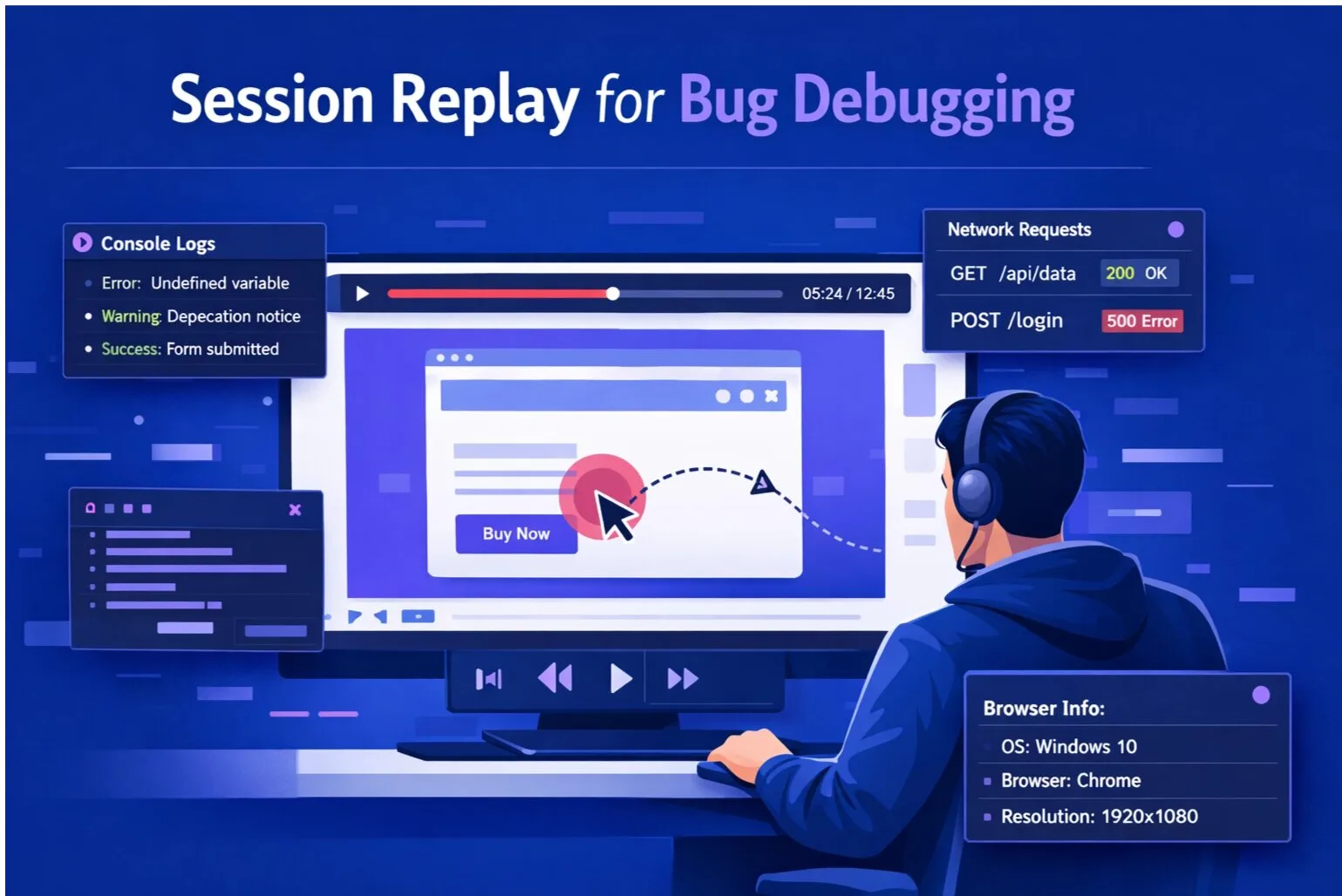
Session replay records a video of the user's browser session. When a user reports a bug, the developer can watch a video of exactly what happened.
Instead of asking questions, the developer sees:
- Every click and interaction
- Every form input
- Every page transition
- Every error message
- Console logs and network requests
- Browser and device information
The developer goes from "I have no idea what happened" to "I can see what the user did" in 60 seconds. For visual bugs — wrong state shown, button not responding, navigation failure — that's often enough.
Where Session Replay Falls Short
For a growing class of bugs, watching what the user did isn't enough. The bug is in the data: an API response that returned null when the frontend expected a value, an edge case shape the code didn't handle, a network error the UI swallowed silently.
You can watch the replay 10 times and not see the bug — because the bug happened in the payload, not in the interaction.
This is why SnagRelay pairs session replay with three layers of additional context:
- session replay — a session replay the developer opens locally and inspects in DevTools. Not a recording, a live inspectable state.
- Full API payloads — the complete HTTP request and response bodies from every network call during the session. See exactly what data the API returned at the moment the bug occurred.
- Error trace timeline — user action → network call → JS error, connected in one timeline. No switching between Sentry and the replay.
What SnagRelay Session Replay Captures
SnagRelay captures:
- User interactions: Clicks, scrolls, form inputs, page transitions
- Console logs: JavaScript errors, warnings, and debug messages
- Network requests: API calls, response codes, response times, full request/response bodies
- Browser metadata: Browser type, version, OS, device type
- Performance metrics: Page load time, interaction latency
Real-World Example: Debugging a Payment Error
Imagine a user reports: "I can't complete my payment."
Without session replay:
- Developer asks for screenshot, browser, steps to reproduce
- User can't reproduce. Bug sits open for 3 days.
With session replay:
- Developer watches the recording. Sees the form submit.
- Opens the API payload panel. Sees the payment API returned:
{"error": "invalid_postal", "code": "CA_FORMAT"} - Finds the bug: Canadian postal code regex missing. Fixes in 15 minutes.
The replay told the developer what the user did. The payload told them what broke it.
Session Replay Best Practices
- Use it for debugging, not surveillance: Session replay is a debugging tool
- Be transparent: Tell users their sessions are being recorded
- Mask sensitive data: Passwords, payment fields, PII should never be recorded
- Pair with snapshots and payloads: For data-layer bugs, replay alone isn't enough
Related articles: