Insights & Updates
from SnagRelay
Tips, guides, and best practices for modern bug reporting
Explore in-depth articles on how to write effective bug reports, reduce duplicate tickets with automation, use session replay to debug production issues faster, and integrate bug reporting into your CI/CD workflow. Whether you're a QA engineer, developer, or product manager, these guides will help your team ship higher-quality software with less friction.

The Zero-Bug Sprint: How Teams Ship Clean in the AI Era
With bugs per developer up 54% in 2026, zero-bug sprints sound impossible. But teams that invest in better context capture are achieving them consistently. Here's the operational playbook.

"Works on My Machine" Is a Bug Report Problem
"Works on my machine" isn't a developer excuse — it's a symptom of bug reports that don't contain enough context. With page state snapshots and full API payloads, the developer doesn't need to reproduce the bug. The state is already there.

How to Report Bugs on Your WordPress Site Using SnagRelay
Master bug reporting for WordPress sites with SnagRelay. Learn what developers need to fix bugs fast: reproduction steps, environment info, screenshots, console logs. Plus: how SnagRelay's WordPress plugin automates context capture.

WordPress Agencies: Streamline Testing Across Client Sites
WordPress agency testing workflow guide: Streamline QA for multiple client sites with plugin compatibility testing, staging environments, and systematic rollout plans. Manage theme updates, document changes, and deploy confidently across 50+ sites.

The QA-Developer Handoff: Why 35% of Sprint Time Is Wasted
The handoff between QA bug reports and developer investigation is where sprints lose momentum. Here's what causes the waste, what it costs in sprint velocity, and how high-performing teams have eliminated it.

Why Session Replay Isn't Enough for Modern Debugging
Session replay shows you what the user did. It doesn't show you what data the API returned, what the DOM state was, or why the JS errored. For modern web apps — especially with AI-generated code — you need more.

Why Your Bug Reports Don't Work for AI-Generated Code
AI-generated code introduces a new class of bugs: semantic failures from API mismatches, missing null guards, and edge cases the model didn't consider. Traditional bug reports — screenshots and repro steps — don't contain enough context to fix them fast.

Website Feedback Tools 2026: Marker.io vs Usersnap vs SnagRelay
Website feedback tools 2026: Marker.io vs Usersnap vs SnagRelay compared. See how each tool handles page snapshots, API payloads, error traces, session replay, and tracker delivery — so your team can fix bugs faster in the AI era.

Visual Bug Capture: Pinpoint Issues with Precision Using SnagRelay
Visual bug capture precision with SnagRelay: HD screenshots with annotation tools, 60-second video recording, auto-generated reproduction steps. Make bug reports crystal clear with arrows, highlights, and mobile-responsive capture.

The Complete User Acceptance Testing (UAT) Guide: From Planning to Launch
Master UAT with this step-by-step guide covering planning, execution, sign-off, and common pitfalls. Ensure stakeholder approval before production launch.

One Click, Full Context: How Auto-Capture Replaces Manual Bug Reporting
Manual bug reporting is slow, inconsistent, and incomplete. Auto-capture tools collect session replay, page state, and API data automatically with every report. Here's how the shift changes QA efficiency.
Test Automation Frameworks 2026: Selenium, Cypress, Playwright, and More
Test automation frameworks 2026 compared: Selenium vs Cypress vs Playwright vs WebdriverIO. Learn which framework fits your project with pros/cons, speed comparisons, cross-browser support, and migration tips for modern testing.

SnagRelay vs. Usersnap: Developer-Context Bug Capture vs. Feedback Platform
SnagRelay vs Usersnap: SnagRelay captures restorable page snapshots, full API payloads, and error trace timelines in every bug report. Usersnap is a broad feedback platform. See what your developers actually need.

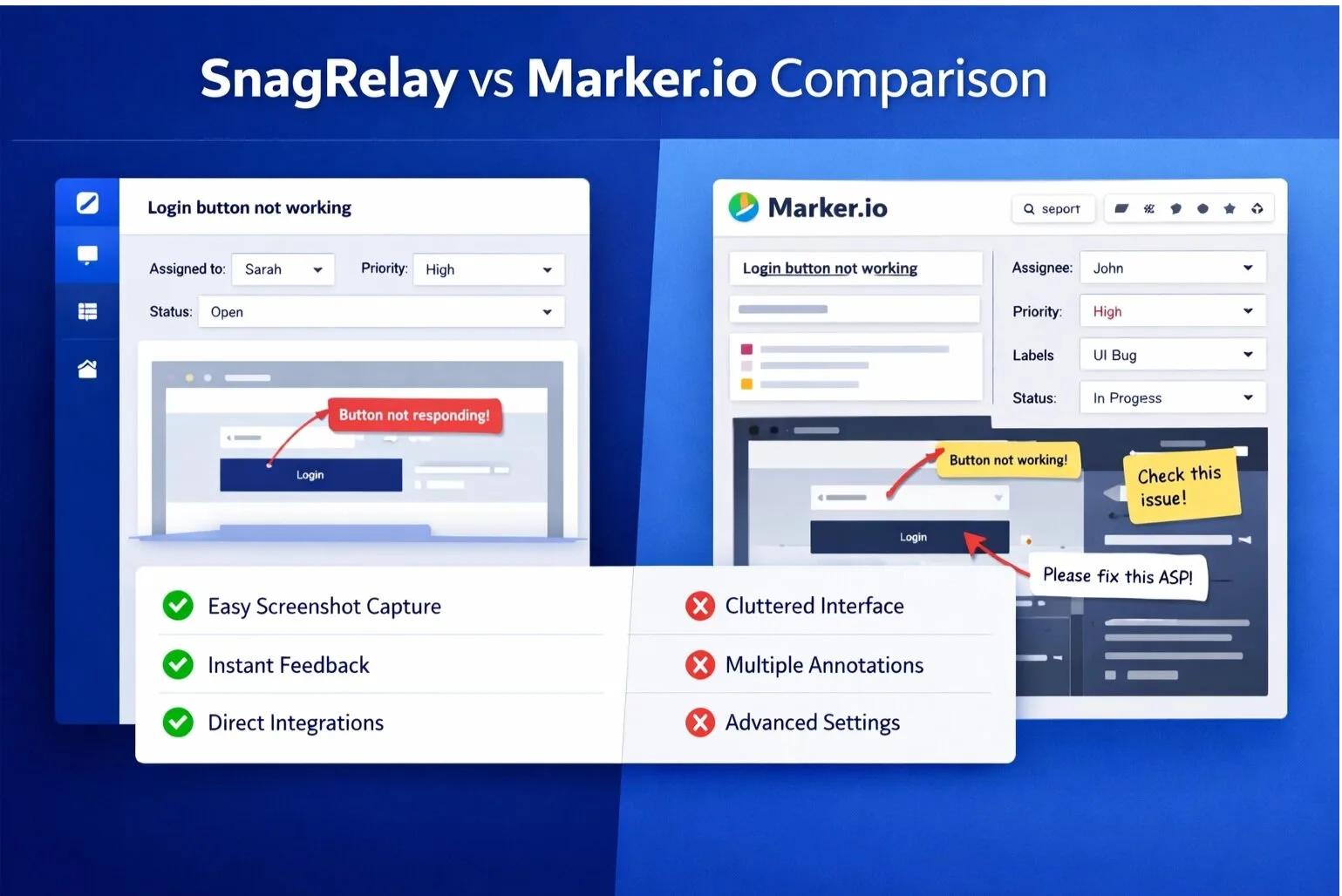
SnagRelay vs. Marker.io: Full Bug Context vs. Visual Feedback
SnagRelay vs Marker.io: SnagRelay captures restorable page snapshots, full API payloads, and error trace timelines — so developers fix bugs in minutes, not days. See the full feature comparison.

SnagRelay vs. BugHerd: Full Bug Context vs. Visual Kanban Feedback
SnagRelay vs BugHerd: SnagRelay captures restorable page snapshots, full API payloads, and error trace timelines — delivered directly to Jira or Linear. BugHerd gives you a Kanban board. See which fits how your team actually works.

SnagRelay for QA Teams: One-Click Bug Reports with Full Context
SnagRelay for QA: One-click capture with screenshots, session replay, and console logs. Reports go straight to Jira or Linear — no manual ticket creation. Automation handles duplicates and priority.

SnagRelay for Product Managers: User Feedback with Full Context, Straight to Your Backlog
SnagRelay for PMs: Collect structured user feedback with screenshots and session replays. Reports land in Jira or Linear — prioritized, deduplicated, and ready for sprint planning.

SnagRelay for Agencies: Collect Client Feedback & Ship It to Your Tracker
SnagRelay for digital agencies: Let clients report with one click — no login needed. Screenshots, replay, and context land in your Jira/Trello/Linear automatically. Cut revision cycles in half.

Session Replay: See Every Bug Exactly as Your Users Do with SnagRelay
Session replay: See every bug exactly as users experience it with SnagRelay. Watch user interactions, capture console errors, eliminate reproduction guesswork. Debug faster with complete visual context and automatic technical metadata.

Bug Reporting Without DevTools: How QA Teams Capture Technical Context
QA testers shouldn't need DevTools to file complete bug reports. Here's how modern bug reporting tools capture console logs, network data, and page state automatically — so technical context is always included.

Session Replay for Bug Debugging: Watch User Sessions Instead of Asking Questions
Session replay for bug debugging: Watch user sessions instead of asking questions. Debug bugs 5x faster with automatic session recording, console logs, and network data. See how SnagRelay captures everything developers need.

Debugging Production Bugs with Session Replay: See What Users See
Master session replay for production debugging. Learn how developers can reproduce user-reported bugs instantly, without complex logs or 'works on my machine' frustration.

Debugging Workflows for Remote and Distributed Teams
Remote team debugging workflows: Build async-first debugging practices with session replay, complete issue capture, and structured investigation. Debug across time zones without pairing sessions or sync meetings efficiently.

Why Developers Close Your Bug Reports (And How to Fix It)
QA teams file detailed bug reports that get closed as 'cannot reproduce' or 'not enough information.' Here's why it happens and exactly what to include to make your reports stick.

Remote Team Collaboration: Async QA for Distributed Agencies
Remote team async QA collaboration: Master distributed QA workflows across time zones without daily standups. Learn shift-based testing, structured documentation, and how to keep projects moving 24/7 with session replay.

QA Test Automation Best Practices: Speed Without Sacrificing Quality
Master test automation strategies that boost QA efficiency. Learn when to automate, best practices, and how to avoid common pitfalls that slow down development cycles.

QA Metrics That Matter: KPIs for Measuring Testing Effectiveness
Discover which QA metrics actually matter. Learn to measure bug detection rate, escape rate, automation ROI, and other KPIs that improve quality and team efficiency.

QA Bug Reporting Best Practices: Templates & Checklist for Development Teams
QA bug reporting best practices guide with templates, checklists, and severity classifications. Learn how to write bug reports developers can fix fast with reproduction steps, environment data, and visual evidence.

API Payloads in Bug Reports: The Data Developers Can't Get From Screenshots
For data-driven bugs, the root cause is almost always in the API response. Here's why API payload capture is the most underrated part of a complete bug report — and how QA teams can include it without opening DevTools.
Performance Debugging: Using Profiling Data to Identify Bottlenecks
Master performance profiling to identify bottlenecks objectively. Learn how to analyze CPU profiles, memory leaks, and network waterfall diagrams to fix slow code.

Page State Restoration: The End of "Cannot Reproduce"
17% of bugs are closed as 'cannot reproduce.' Page state snapshots change that — the developer opens the exact DOM state from the moment of the bug and inspects it locally. Here's how it works and why it matters.

Integrating QA with Project Management: Keep Teams in Sync
Integrate QA bug reporting with Jira, Asana, Linear, ClickUp, and GitHub. Learn 1-way vs 2-way sync, automation best practices, and how to prevent bugs from falling through cracks between project management tools.
Accelerating Developer Velocity: How Better Bug Reports Save Hours
Improve developer velocity with better bug reports: Complete context cuts debugging time by 50%. Learn how high-quality bug reports with session replay, performance data, and reproduction steps accelerate development and reduce back-and-forth.

How to Write Effective Bug Reports: Complete Guide for QA & Developers
How to write effective bug reports that developers can fix fast. Learn what makes great bug reports: reproduction steps, environment info, screenshots, console logs. Plus: automation tips with SnagRelay.

How Page Snapshots Cut Our Bug Fix Time by 80%
When a development team added page state snapshots to their bug reporting workflow, average time-to-fix dropped from 2 days to 4 hours. Here's the before and after — and why the difference is so large.

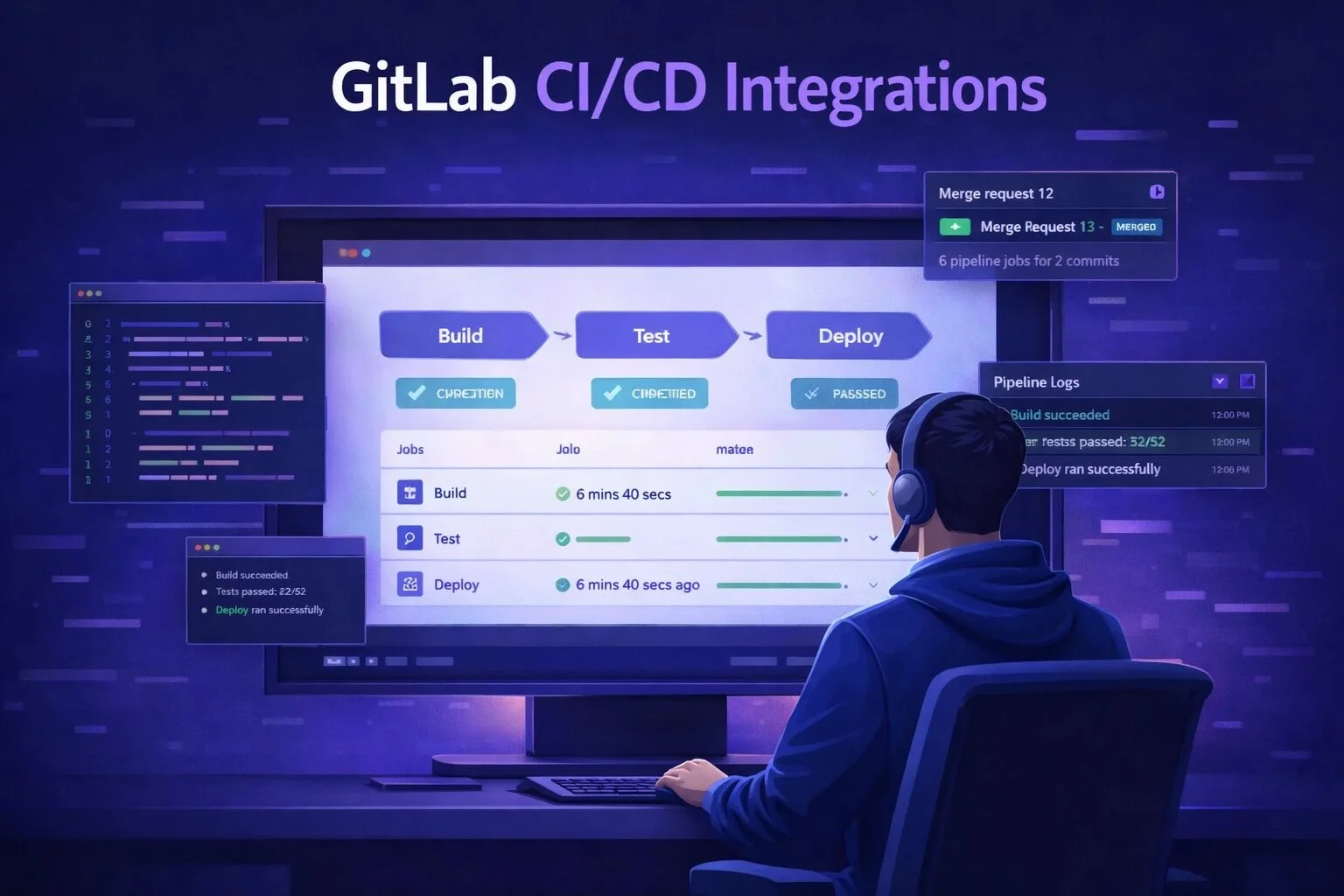
How to Connect Bug Reports to GitLab Issues: A Complete Guide
Learn how to automatically push bug reports, screenshots, and session replays directly into GitLab Issues — eliminating manual ticket creation and keeping developers in their workflow.

DOM Snapshots for Bug Debugging: Inspect, Don't Just Watch
Screenshots and session replays let you watch a bug. DOM snapshots let you inspect it — full DOM tree, computed styles, component props, actual data, all in your browser's DevTools. Here's why that difference matters.

Code Merged Without Review Rose 31%: What It Means for QA
The Faros 2026 Report found code merged without review rose 31% as AI adoption increased. What does that mean for QA teams? More bugs reaching production — and a new requirement for the bugs that do.

Bugs Per Developer Rose 54%: The AI Code Quality Crisis
The Faros 2026 Report surveyed 22,000 developers across 4,000 teams and found bugs per developer rose 54%, incidents per deploy tripled, and code merged without review jumped 31%. Here's what it means for software teams.

Bug Tracking Tools Compared: Jira, Linear, GitHub Issues, and More
Compare top bug tracking tools 2026: Jira vs Linear vs GitHub Issues vs Asana vs Azure DevOps. See pricing, features, pros/cons, and which issue tracker fits your team's workflow and budget best.

20 Bug Report Templates & Examples for Better QA Communication
Learn from 20 real-world bug report templates and examples. Improve your QA communication with structured formats that developers actually respond to.

Best QA Testing Tools 2026: Complete Roundup and Comparison
Best QA and testing tools for 2026: Complete roundup comparing bug tracking, test automation (Cypress, Selenium, Playwright), session replay, CI/CD tools. Build your QA stack with expert comparisons and pricing.

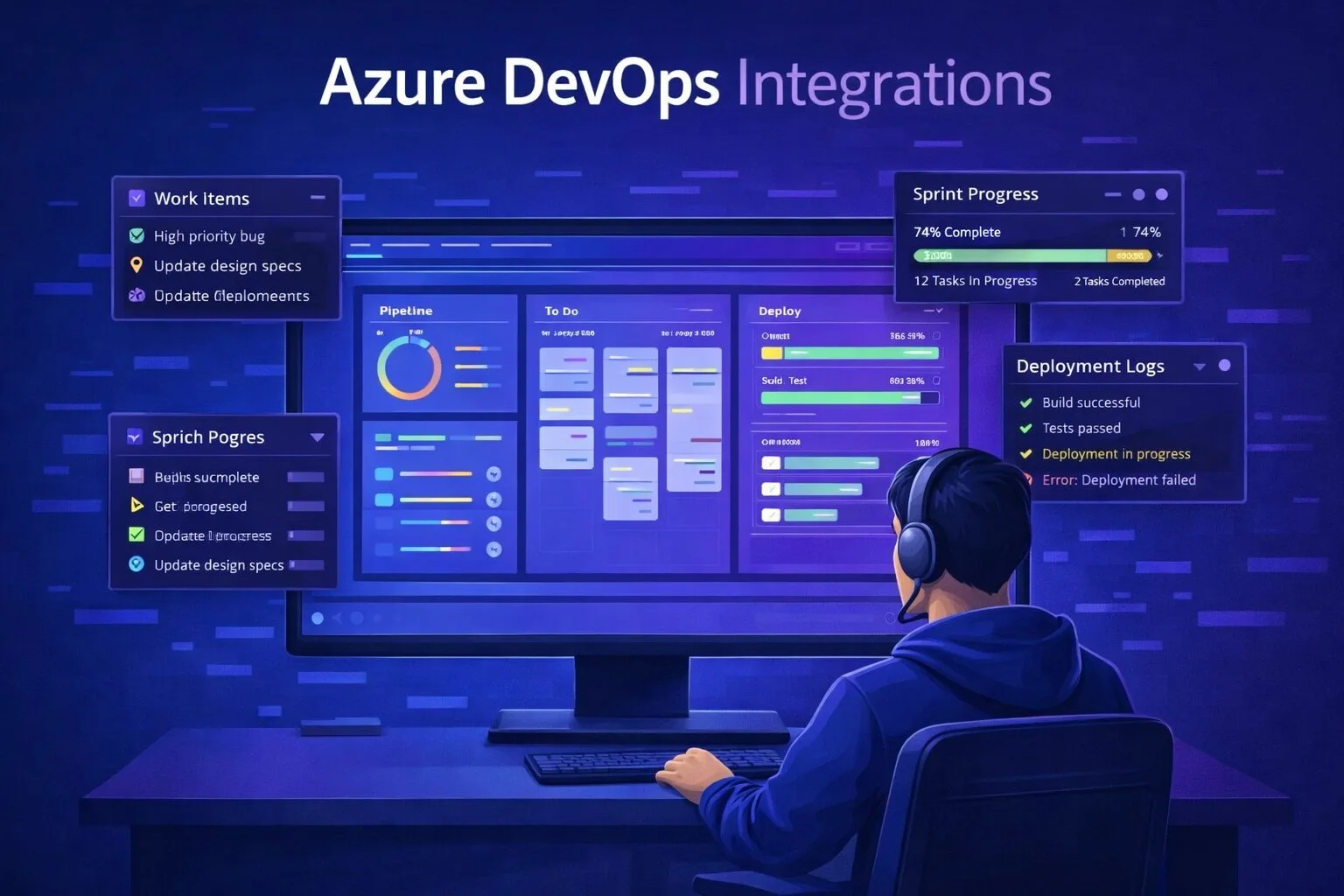
Bug Reporting for Azure DevOps Teams: Automate Work Item Creation
Learn how to automatically create Azure DevOps work items from bug reports — with screenshots, session replay, and full context attached. No manual ticket creation, no lost information.

AI Writes More Code. Here's How Teams Keep Bug Rates Low.
AI coding assistants increase development velocity — but bug rates don't have to follow. Faros 2026 data shows what's changing, and what the best teams are doing to fix bugs faster.

Automation in SnagRelay: Smarter Bug Reporting Without the Manual Work
SnagRelay automation: duplicate detection, priority assignment, and routing — without manual triage. See how automation cuts triage time by 75%.

AI-Powered Testing: Intelligent Automation for QA
Discover how AI transforms testing automation. Learn about intelligent test generation, adaptive testing strategies, and AI-powered bug prediction.

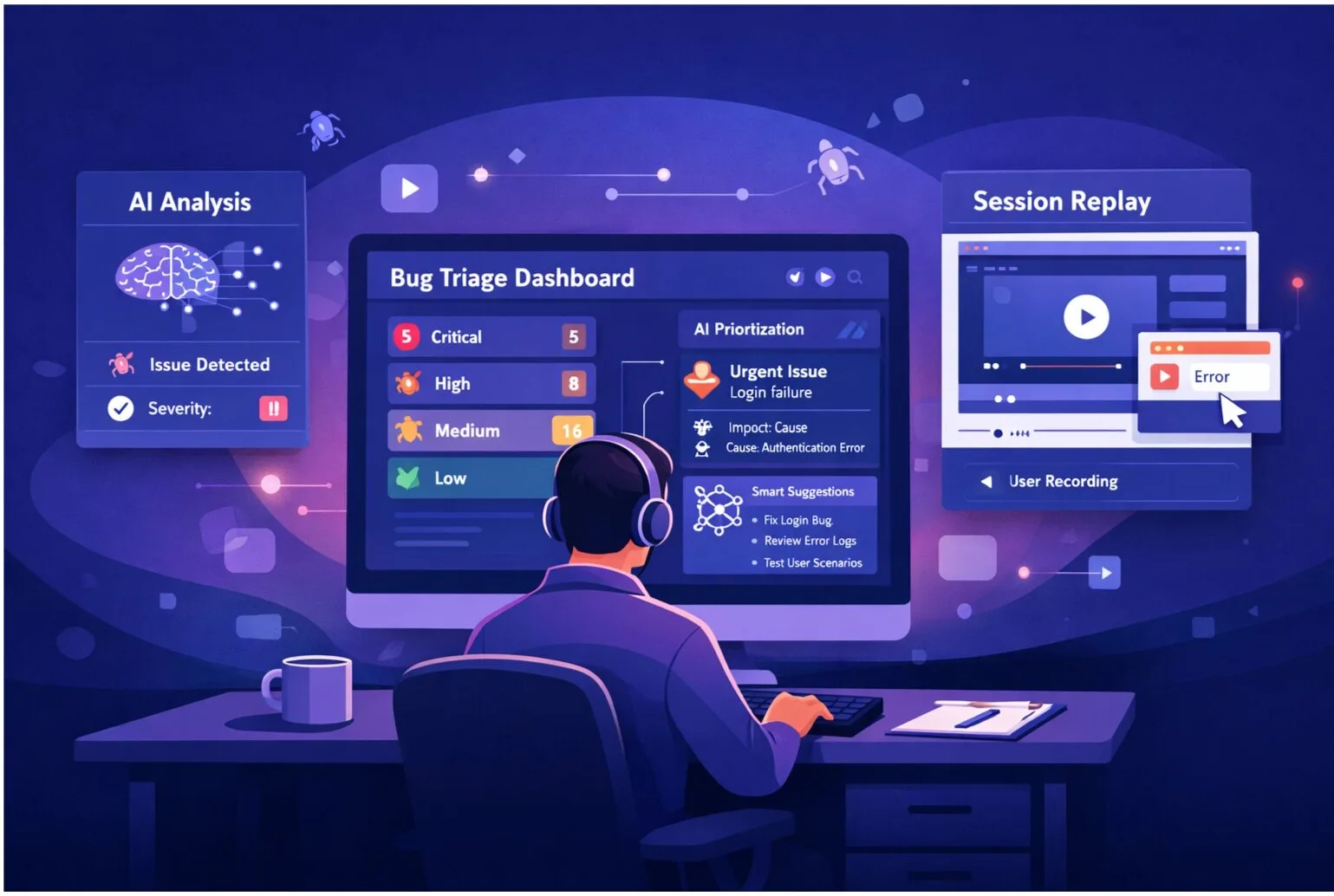
Automated Bug Prioritization: Fixing What Matters Most
Automated bug prioritization: automation determines severity and priority based on user impact, revenue impact, frequency, and historical data. Fix what matters most with data-driven prioritization that focuses teams on high-impact bugs.

Duplicate Bug Detection with AI: Reduce Your Bug Backlog by 40%
Reduce bug backlog by 40% with automated duplicate detection. SnagRelay finds similar reports even when worded differently — no manual review needed.

How to Write Bug Reports That Get Fixed in One Sprint
Most bug reports generate follow-up questions that push fixes into the next sprint. Here's the exact format and approach QA teams use to write reports that get fixed in the same sprint they're filed.

Advanced AI Duplicate Detection: Stopping Redundant Work
Deep dive into duplicate detection: how SnagRelay identifies similar bugs, prevents redundant fixes, and keeps your backlog clean.

The Faros Report and What It Means for Frontend Teams
The Faros 2026 Report found bugs per developer up 54%, incidents tripled, and review declining. For frontend teams specifically, the implications are significant — and the solutions are different from what backend teams need.

Automated Bug Assignment: Route Reports to the Right Developer
Automated bug assignment and routing: Learn how automation routes bugs to the right developers based on code expertise, historical speed, current workload, and skill matching. Reduce resolution time with smart assignment.

Bug Reporting Tools That Skip the Dashboard (Direct to Your PM Tool)
Most bug reporting tools have their own dashboard that you have to check separately. Here's how tools that send bugs directly to Jira, Linear, or GitHub compare — and why skipping the extra dashboard matters.

Client Feedback Management: How Agencies Streamline Revisions with Visual Collaboration
Agency client feedback management: Streamline revision cycles with visual collaboration, priority tracking, and structured feedback rounds. Reduce revision time by 50% with centralized collection and clear deadlines for client projects.

Bug Reporting Tools Under $10/Month for Small Teams
Complete bug reporting tools that cost under $10 per month. Session replay, tracker integration, and auto-capture on a small team budget — here's what's available and what trade-offs to expect.

What Developers Actually Need in a Bug Report (2026 Guide)
QA teams write bug reports. Developers close them. The gap is in what each side thinks is sufficient. Here's exactly what developers need to fix a bug without asking follow-up questions.

Best Bug Reporting Tools for Agencies (2026): Client-First Comparison
Bug reporting tools for digital and design agencies in 2026 — compared from the client's perspective. Which tool makes client bug reporting frictionless? Which keeps costs reasonable across 10+ projects?

Why Screenshots Aren't Enough for Modern Bug Reporting
Screenshots show what a bug looks like. They don't show why it happened. Here's what QA teams need beyond screenshots to write reports that get fixed without back-and-forth.

Marker.io vs SnagRelay for QA Teams: Which Captures More Context?
Marker.io vs SnagRelay compared specifically for QA teams. Which tool produces more complete bug reports? Which makes it easier for non-technical reporters? Which is more cost-effective at scale?

73% of Developers Say Unclear Bug Reports Kill Their Productivity
New data on how unclear bug reports affect developer productivity, sprint velocity, and team morale — and what engineering managers and QA leads can do about it.

Best Bug Reporting Tools for QA Teams (2026): The Complete Guide
The definitive guide to bug reporting tools for QA teams in 2026. Covers SnagRelay, Marker.io, BugHerd, Jam, Usersnap, and more — with criteria that matter to QA teams, not just developer tooling buyers.

Page Snapshots vs Session Replay: Which Helps Developers More?
Page snapshots and session replay are both included in modern bug reports — but they answer different questions. Here's when each one matters and why you need both for complete bug context.

The 'Cannot Reproduce' Problem: Why It Happens and What to Do
17% of all bug tickets are closed as 'cannot reproduce.' Here's the exact reason it happens — and how QA teams eliminate it entirely with the right bug capture approach.