Zero Bloat.
Maximum Power
Everything you need. Nothing you don't.
Professional Capture
- HD screenshot capture
- Annotation toolkit
- Session replay
- 60-sec HD video
- Auto repro steps
- Mobile-responsive
Smart Triage
- Duplicate detection
- Priority suggestions
- Smart assignee matching
- Learns from your decisions
- Gets better over time
Seamless Integration
- Jira, Linear, GitHub, GitLab & more
- Route by type: Bug, Feature, Question
- Custom webhooks
- One-line setup
- Multi-project support
Developer Context
- Console logs
- Error stack traces
- Network monitoring
- Browser metadata
- Custom fields
One Click. Every Detail.
No Follow-Up Questions
SnagRelay auto-captures the page snapshot, API data, and error chain — so your bug reports have everything developers need, automatically
One Click.
Capture Everything
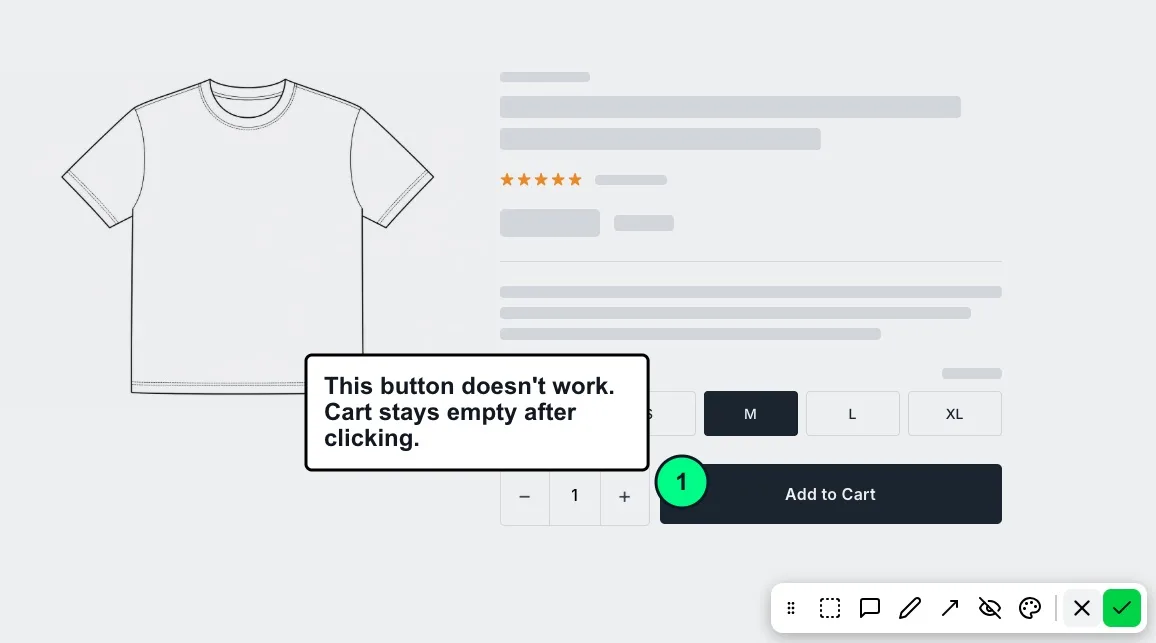
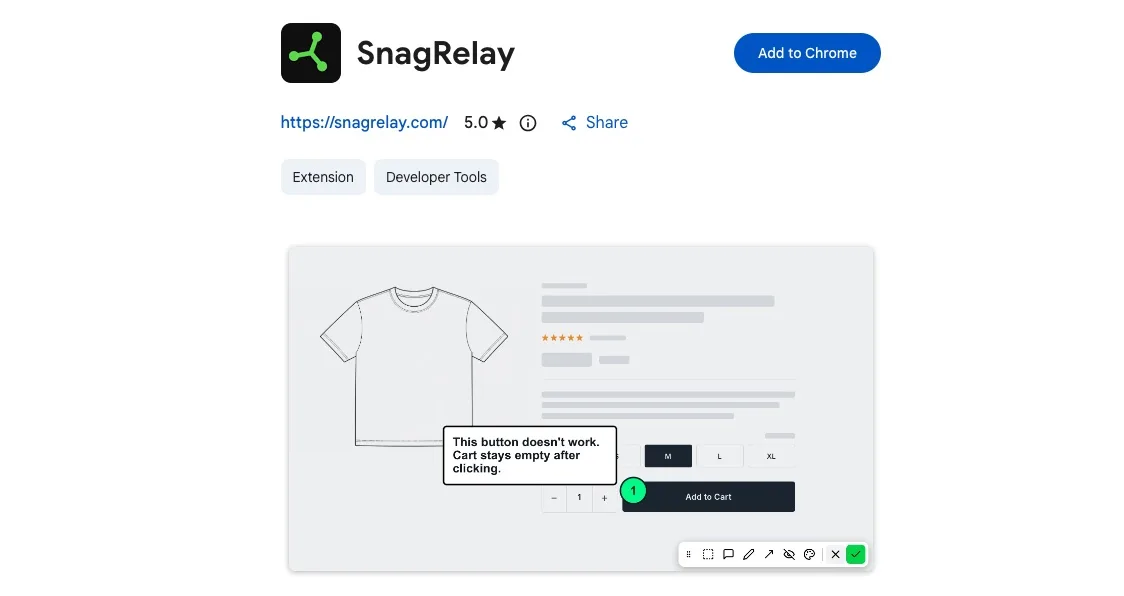
A client, tester, or user clicks the widget, points at the issue, and writes what's wrong. SnagRelay grabs the screenshot, tracks every step, attaches console logs and network data, and delivers a complete report — automatically.
- Annotate: highlight, draw, arrow, redact
- HD screenshot, grabbed automatically
- Every click tracked — repro steps write themselves
- Console errors, network requests, stack traces included
- Works on any device — desktop, tablet, mobile
- Hides sensitive fields (passwords, API keys)

The Diagnosis Is
Already Written
Before a developer even opens the ticket, AI reads the full error chain — snapshot, payload, stack trace — and writes the diagnosis. Likely cause, affected component, and a suggested fix, already waiting.
- Auto-diagnosis from error + snapshot + payload
- Likely root cause identified before dev opens the ticket
- Affected component and line number surfaced automatically
- Fix suggestion included — not just the problem
- AI Agent Ready — feed the snapshot link to Cursor, Copilot, or Devin
- Works with any AI coding assistant or agentic workflow

60-Second Video.
Every Bug on Tape
Record up to 60 seconds of screen activity. The widget captures the full session in HD so developers can watch exactly what happened — no re-explaining needed.
- Records up to 60 seconds of screen activity
- Full HD 1080p quality recording
- Works silently in the background
- Play back directly in your dashboard
- Attached automatically to the bug ticket
- Perfect for complex, hard-to-describe bugs

Arrives in Your PM Tool.
Already Triaged
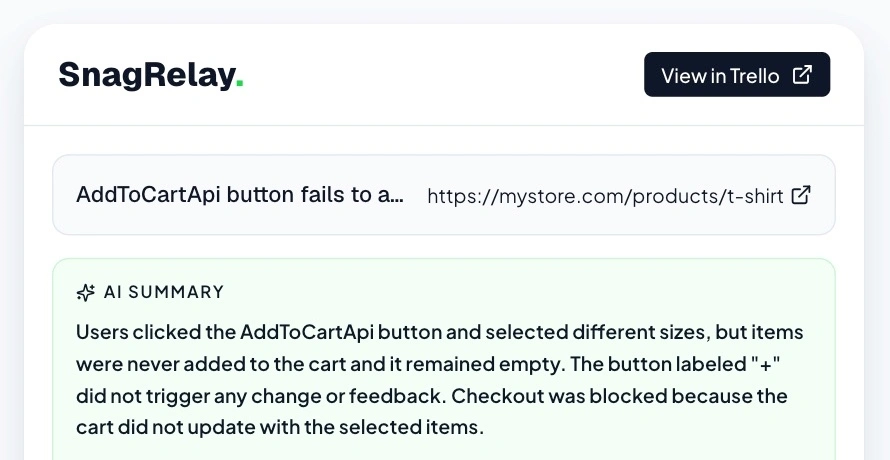
SnagRelay doesn't just forward the report — it scores priority, suggests an assignee, detects duplicates, and attaches everything before the ticket lands in your backlog.
- Priority scored P1–P5 automatically
- Smart assignee routing from team context
- Repro steps generated automatically from session data
- Session replay, video & console logs attached
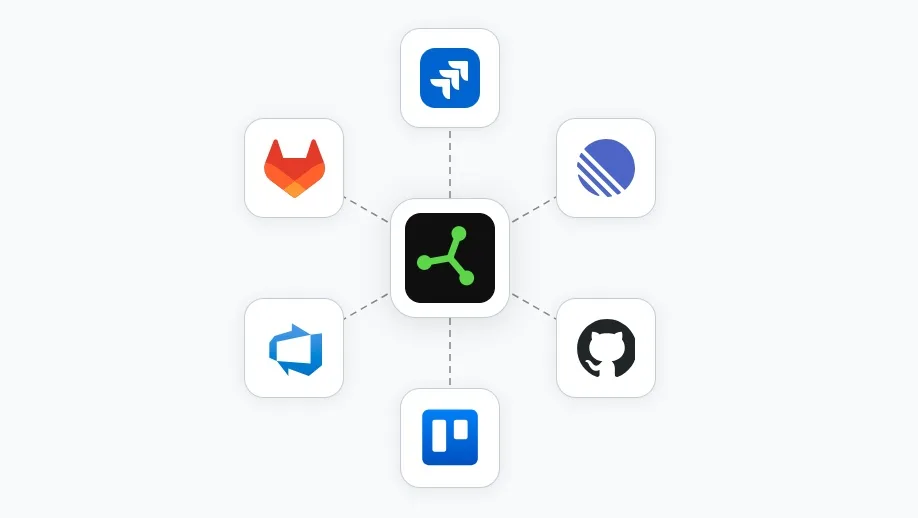
- Works with Jira, Linear, GitHub, GitLab & more
- Zero manual triage required

Watch It Happen.
Mouse, Clicks & All
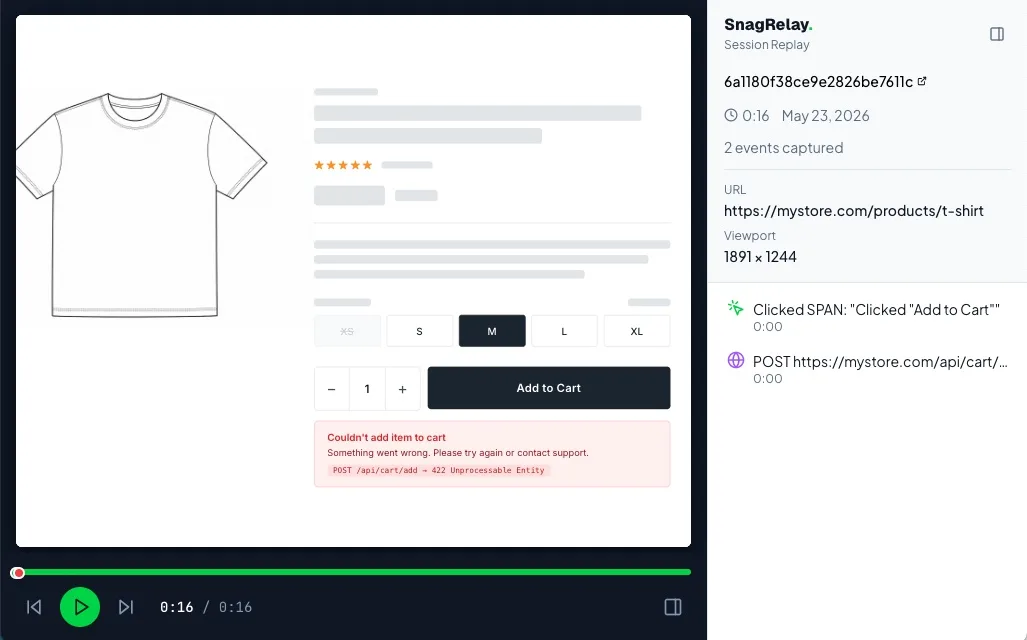
Session replay captures every scroll, click, and navigation automatically. Open the replay in your dashboard and watch exactly what the user did — no screen recording required from them.
- Cursor path traced across the full session
- Click rings show every interaction point
- Navigation events, form inputs, scrolls captured
- Error moment highlighted on the timeline
- Works on all devices — desktop, tablet, mobile
- Playback lives in your SnagRelay dashboard

Same Bug.
Zero New Ticket
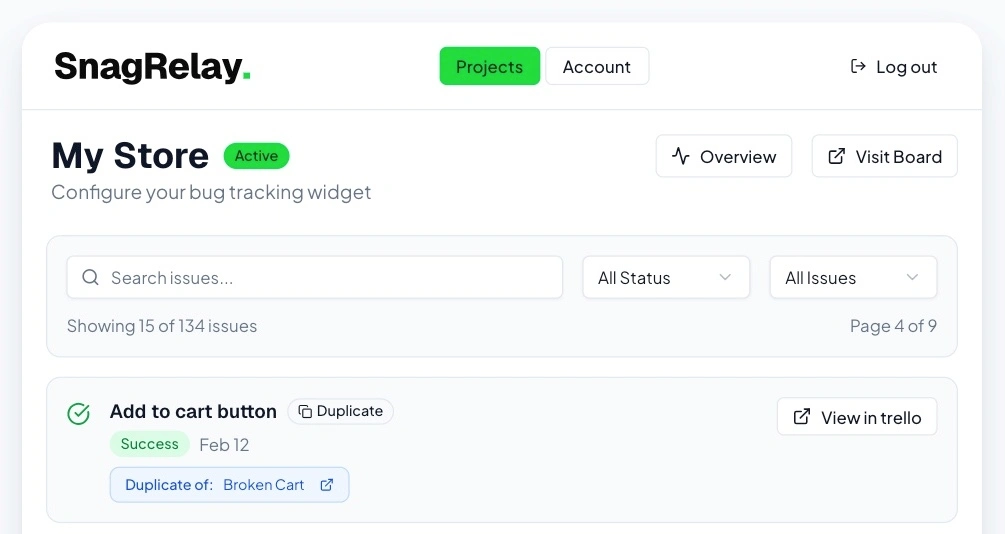
Every incoming report is compared by meaning against your entire backlog. When a match is found, the ticket is created and marked as a duplicate — automatically linked to the original.
- Compares reports by meaning, not just keywords
- No false positives — only real duplicates get flagged
- Duplicate ticket created and marked automatically
- Links related reports as rich comments
- Catches duplicates before they reach the backlog
- Works across Jira, Linear, GitHub, and more
- Gets smarter as your team resolves tickets
- More time fixing, less time sorting

Live in 2 Minutes.
No DevOps Required
Paste one script tag. Connect your tracker with OAuth. Done. No backend changes, no CI pipelines, no configuration files.
- One script tag — no framework dependencies
- OAuth connection to your tracker in 30 seconds
- Works on any stack: React, Vue, plain HTML
- Identify logged-in users automatically — user ID, email, and plan attach to every report
- Separate projects per environment — staging and production stay isolated
- Multi-project: one account, many apps
- Custom webhooks for non-standard trackers
- Remove any time — just delete the script tag

What You See
Is What They Get
SnagRelay captures pages exactly as they appear in a real browser — no blank patches, no grey boxes, no missing embeds. For complex pages with iframes, live video, canvas renders, or interactive maps, the optional Chrome extension acts as a silent co-pilot, ensuring every pixel lands exactly as the visitor sees it.
- Works instantly, zero setup required
- Handles iframes and cross-origin embeds
- Video frames captured at the exact playback moment
- Canvas, WebGL, and chart renders fully included
- Pixel-accurate results, every time
- Extension is optional — no config, no code changes

WordPress Site?
One Click Done
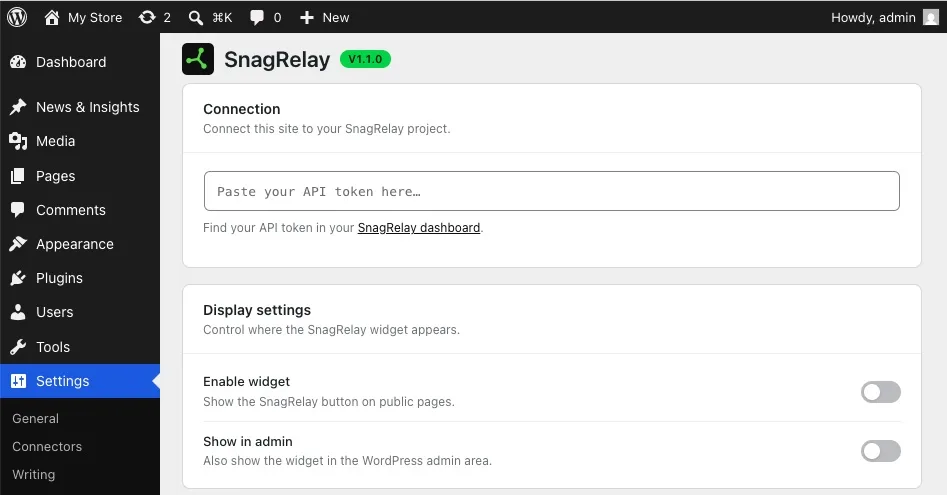
Install the SnagRelay plugin from the WordPress admin panel. It auto-embeds the widget on every page, attaches logged-in user data, and works with all major themes and builders.
- One-click install from the WP plugins panel
- Auto-embeds on all pages — no theme edits
- Attaches WP user ID and role to every report
- Works with WooCommerce, Elementor, and Divi
- Choose which pages to show the widget on
- Updates automatically via the WP update system

Built for Modern Teams
SnagRelay is designed from the ground up to make bug reporting effortless for your team. Every feature is carefully crafted to eliminate friction and save you time.
Smart triage automatically categorizes, prioritizes, and routes bugs to the right team member. Say goodbye to manual ticket management and hello to automated workflows that just work.
With session replay and comprehensive technical context, your developers get everything they need to reproduce and fix issues fast. No more back-and-forth asking for screenshots or reproduction steps.
Bug Reports
That Don't Get Sent Back
One click captures the page snapshot, API data, and error chain — so developers can fix issues on the first attempt.
No credit card required • Start your 14-day free trial today